Plan the pattern before the first stitch.
Kuvio is a grid editor for bead weaving, cross-stitch, colorwork and pixel art. Draw on square or brick grids, keep your colors in one palette, then print a chart you can work from.
No sign-up needed. Open Kuvio and start drawing. Create a free account when you want your patterns saved.
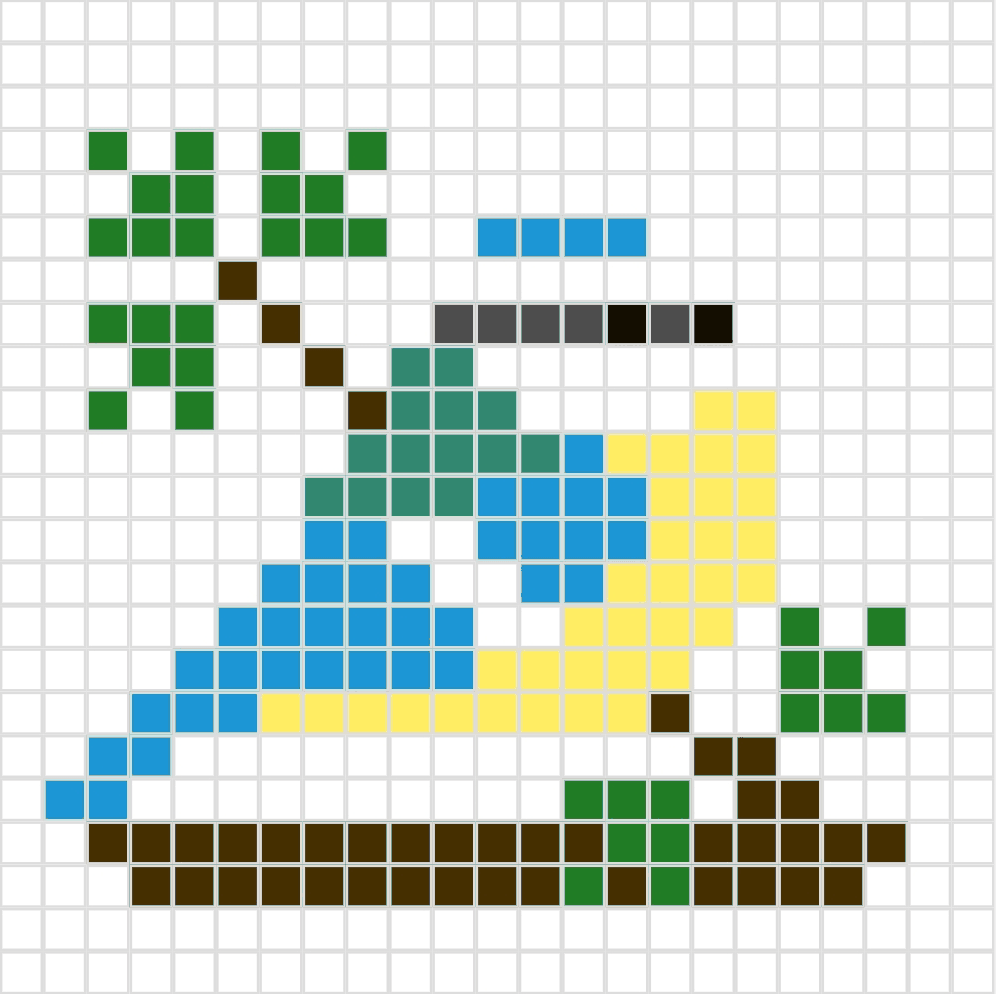
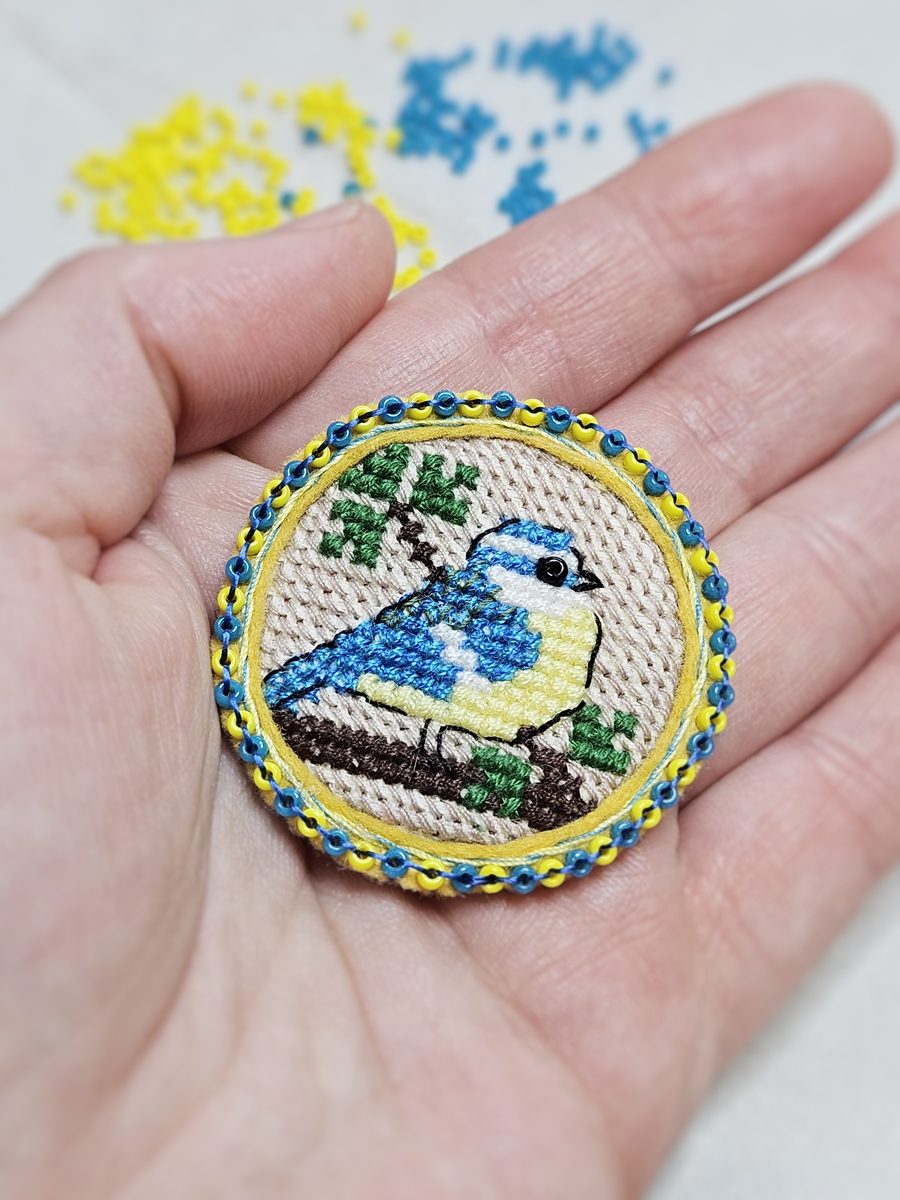
Graph paper is a slow way to change your mind.
Moving a motif two cells to the left means erasing it and drawing it again. Trying a different color means starting a new sheet. And brick-stitch rows never line up on squared paper in the first place.
Kuvio keeps the grid and drops the eraser. Move, recolor and mirror as often as you like, and only commit beads, thread or yarn once the pattern looks right.
Everything happens on the grid.
Square or brick grids
Switch between a regular grid and an offset brick layout, and set the cell size to match your beads or stitches.
One palette per pattern
Pick colors, save the ones you use, and reach for them again anywhere in the design.
Layers
Keep the motif, the border and the background apart. Hide a layer to see what sits underneath.
Freehand sketch layers
Rough out a shape with smooth pencil lines first, then fill in the cells below it.
Fill, select and mirror
Flood an area with one click, copy a motif to a new spot, or mirror it to build a symmetric design.
Print, download or share
Print the chart for your work table, download it, or send a link that opens the pattern as you left it.
For any craft built one cell at a time.
If you can draw it on graph paper, you can plan it in Kuvio.
Bead weaving
Cross-stitch
Colorwork knitting
Pixel art
Three steps from idea to chart.
Open and draw
No account, no setup. Pick a square or brick layout and the size of each cell, then start placing cells.
Adjust until it’s right
Use layers, fill and mirror, and undo whenever you change your mind.
Take it to the table
Print the chart, keep it open on your phone, or sign up to save it with the rest of your patterns.
Free until your pattern library grows.
You can start drawing without an account. Sign up when you want your patterns saved.
Free
- Save up to 50 patterns
- Square and brick grids, layers and palette
- Print, download and share by link
Your next pattern starts as an empty grid.
No account needed. Pick a size, pick a layout, and place the first cell.